Skip to content
Thu, Oct 29, 2026 · +92 311 722 4477 · WhatsApp
NEWS
SFP, SFP+, QSFP and QSFP28 transceivers, DAC and fiber cables in stock. Huawei eKit: all switches and access points (APs) available 1G and 10G switches available (managed, unmanaged and PoE) 40G and 100G switches available for data center and core networks WhatsApp +92 311 722 4477 for a quotation reply within hours • SFP, SFP+, QSFP and QSFP28 transceivers, DAC and fiber cables in stock. Huawei eKit: all switches and access points (APs) available 1G and 10G switches available (managed, unmanaged and PoE) 40G and 100G switches available for data center and core networks WhatsApp +92 311 722 4477 for a quotation reply within hours

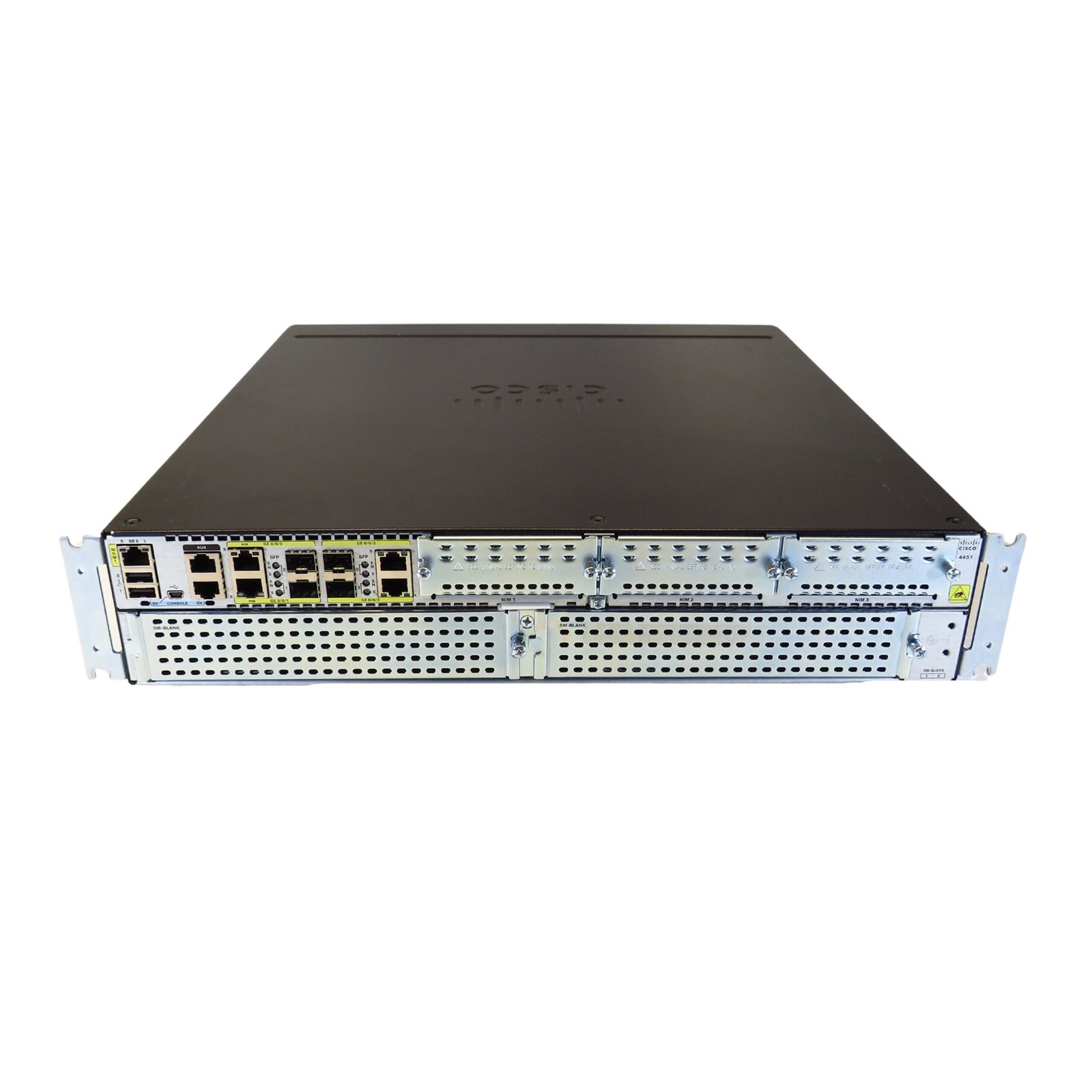
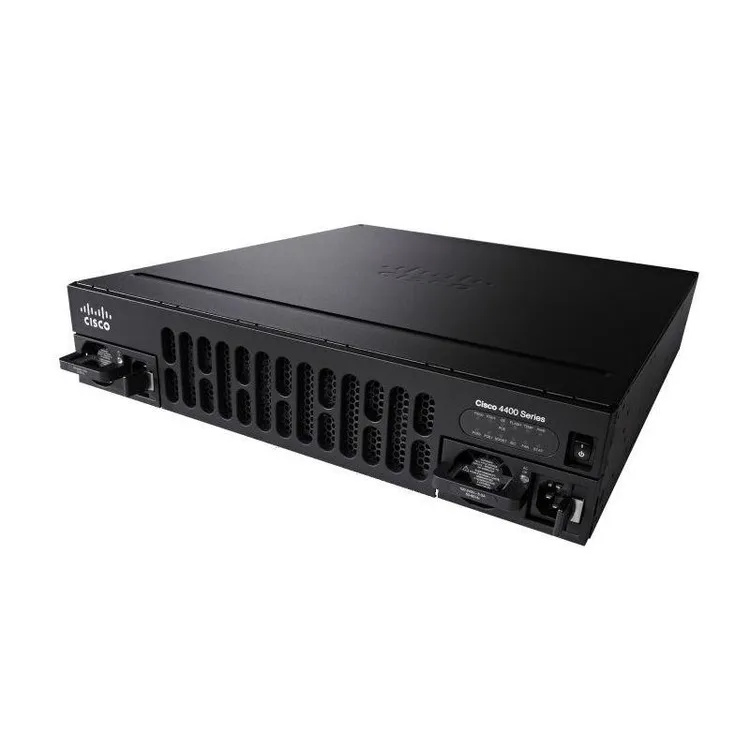
Cisco 4451 Router

₨ 120,000

Cisco 4451 Router — professional networking and IT equipment for enterprise, business, data-center or structured-cabling applications.

Share this product WhatsApp Email

Description

Cisco 4451 Router

Brand: Cisco
Model: 4451 Router
Manufacturing Year: Unit-specific; verify the manufacturing/date code from the physical label or serial number.
Model Introduction Year: 2013
End of Life (EoL): Lifecycle status should be verified against Cisco EoL advisory

Technical Specifications

  • Ports: 3 × 10/100/1000 Ethernet plus modular NIM/SM slots
  • Uplinks: NIM/SM expansion
  • Capacity: Up to 2 Gbps default; higher throughput with performance licensing

Product Details

This listing is prepared for the ConnecTech online catalog. Exact hardware revision, transceiver compatibility, firmware, power supply and accessory configuration should be confirmed against the physical unit and manufacturer part number before purchase.
Additional information

Brand

Cisco

Model

4451 Router

Ports

3 × 10/100/1000 Ethernet plus modular NIM/SM slots

Capacity

Up to 2 Gbps default; higher throughput with performance licensing

Reviews

There are no reviews yet.

Be the first to review “Cisco 4451 Router”

Your email address will not be published. Required fields are marked *

◉WhatsApp Sales
To install: tap the Share button in Safari, then choose Add to Home Screen.